
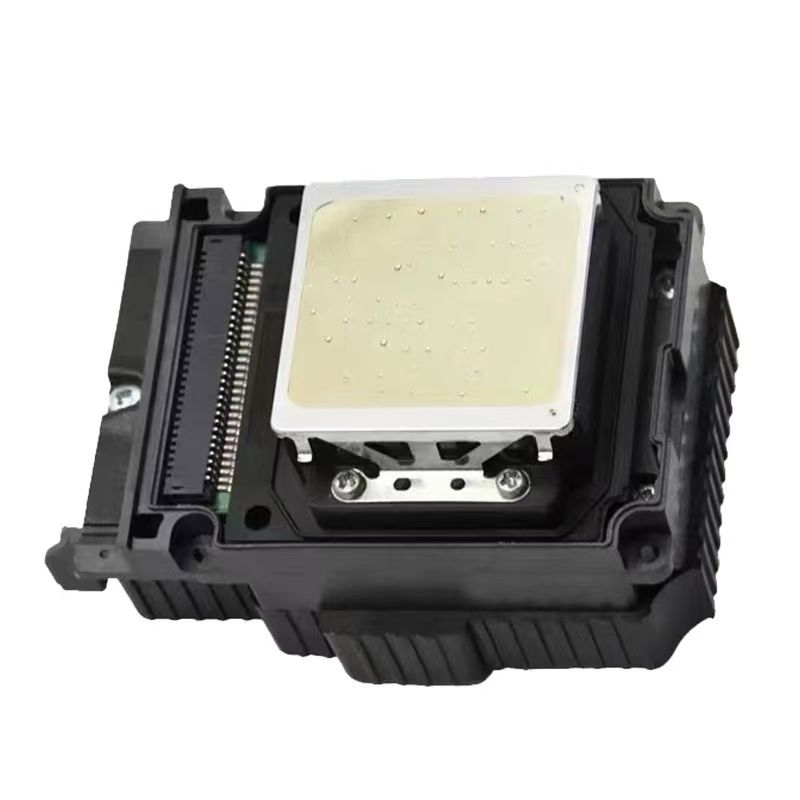
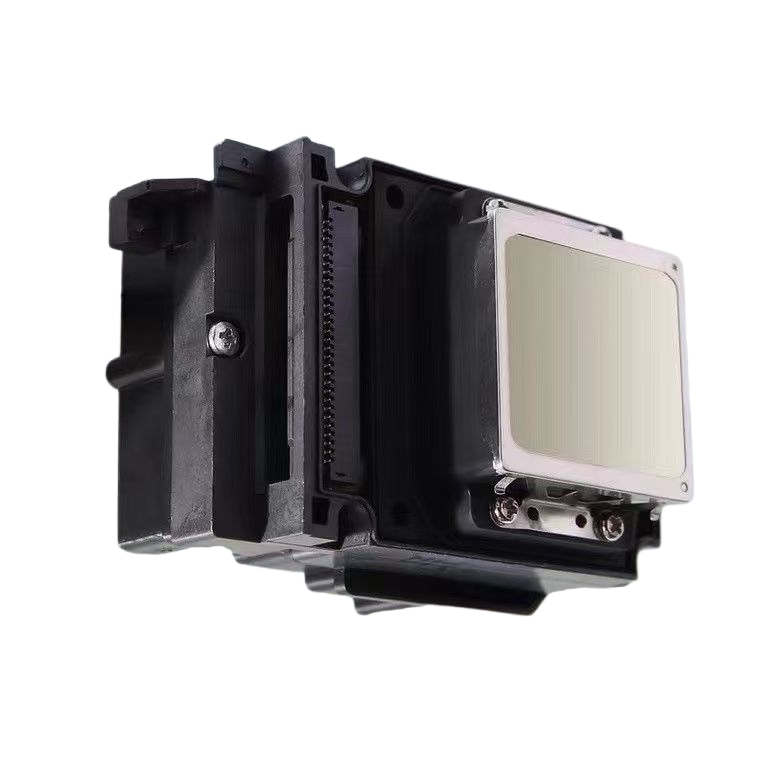
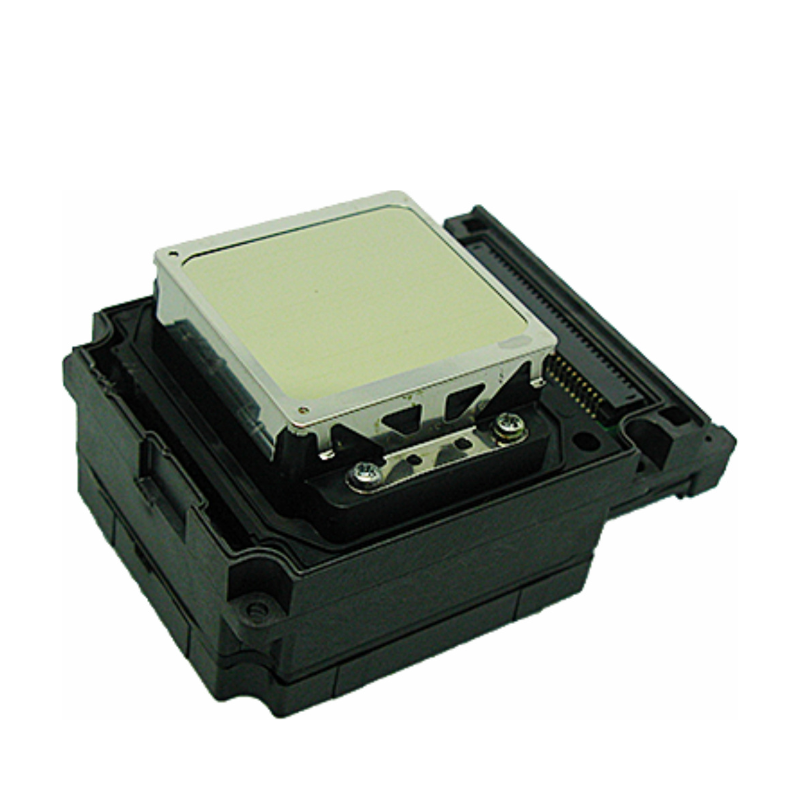
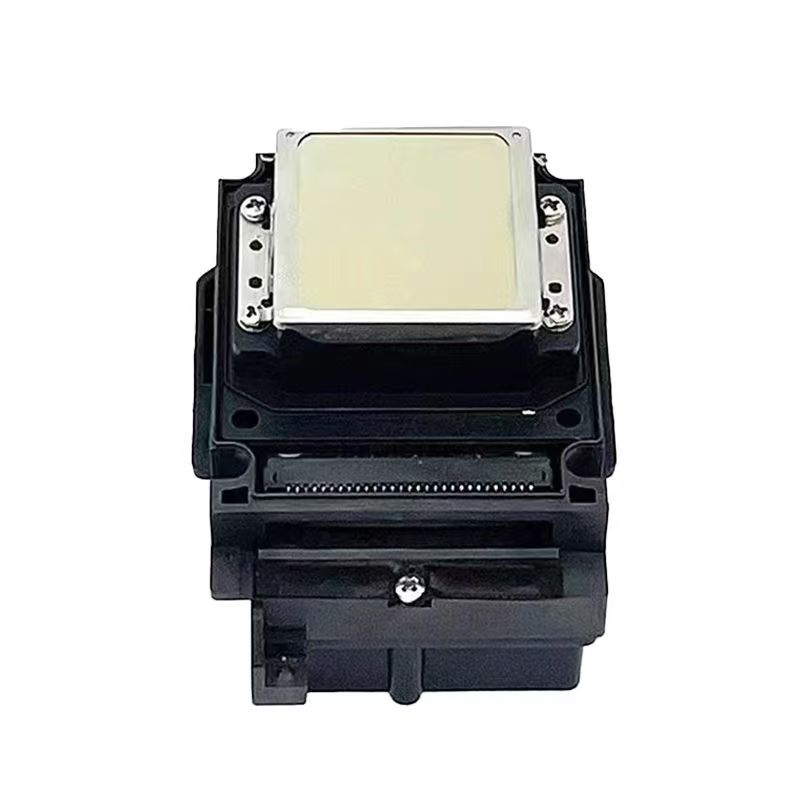
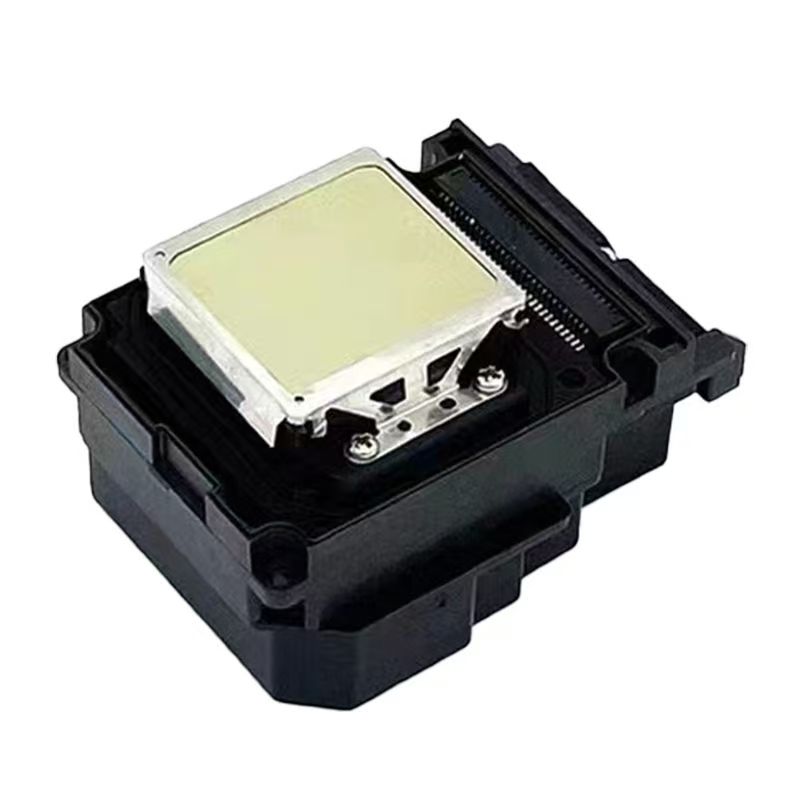
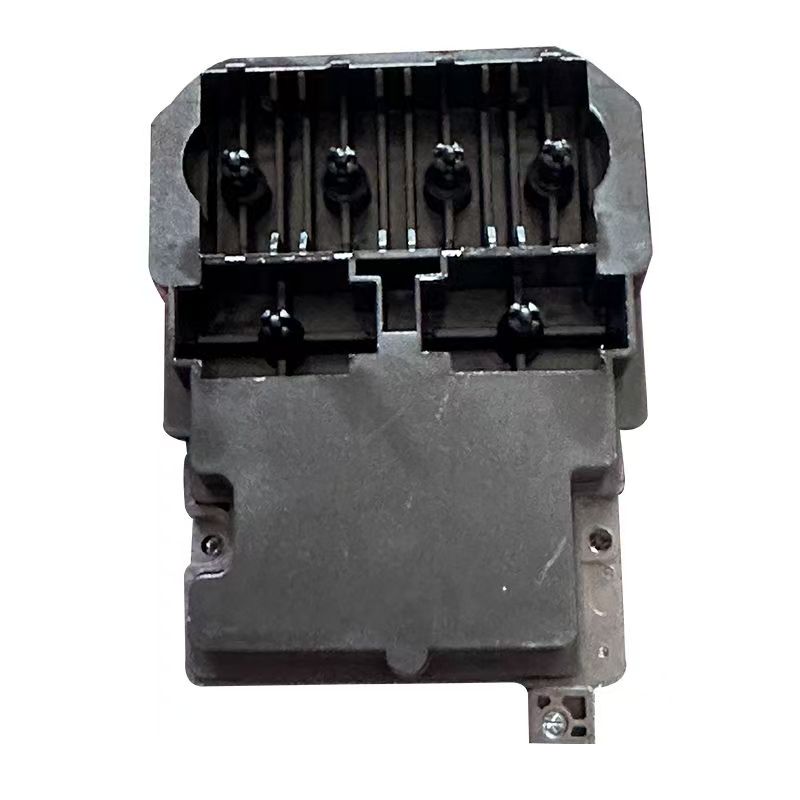
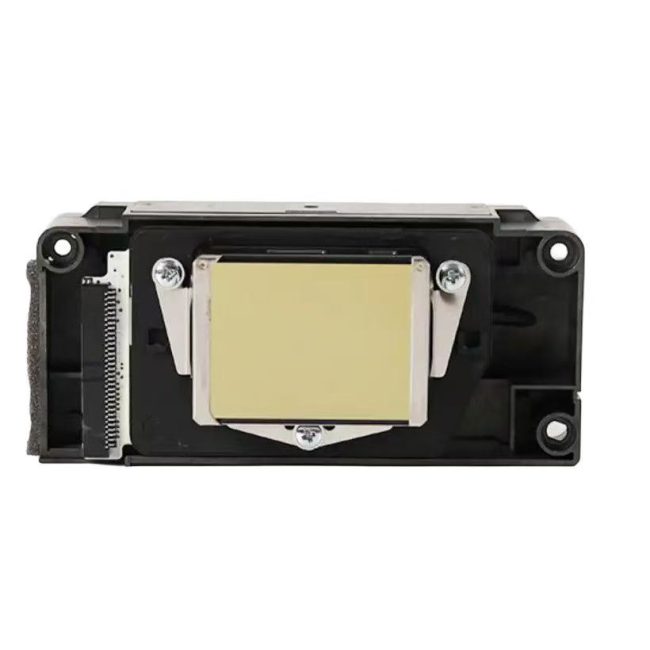
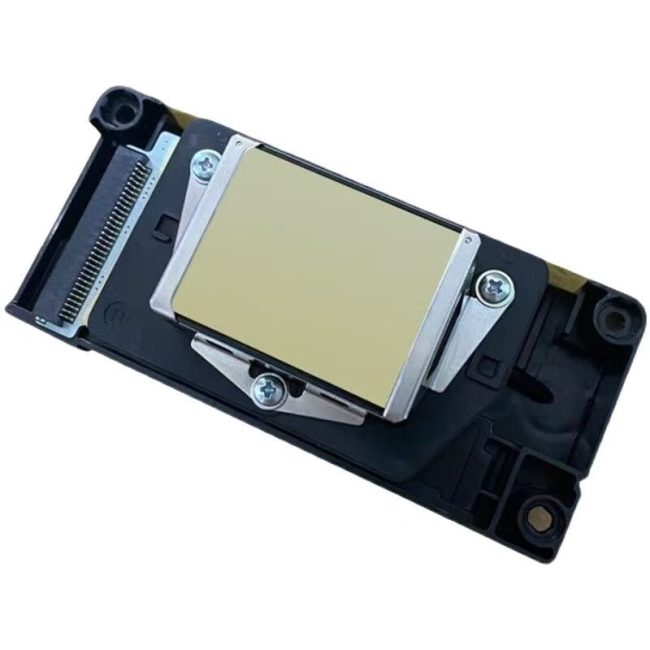
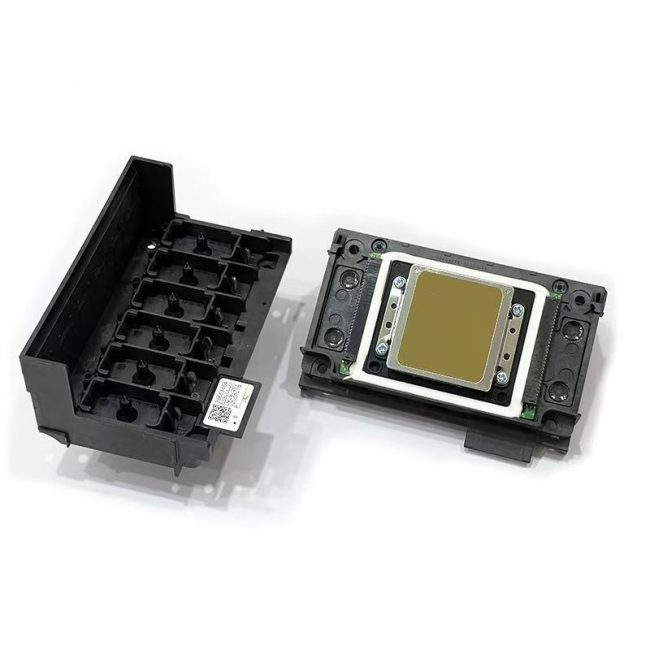
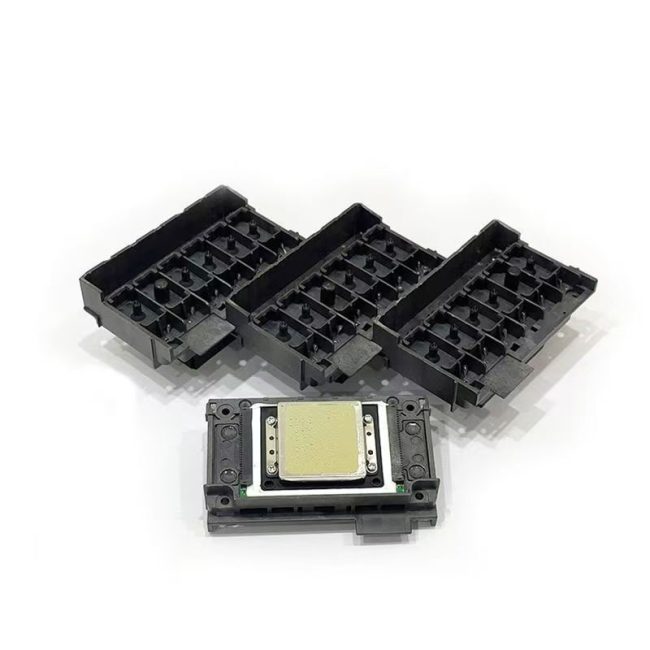
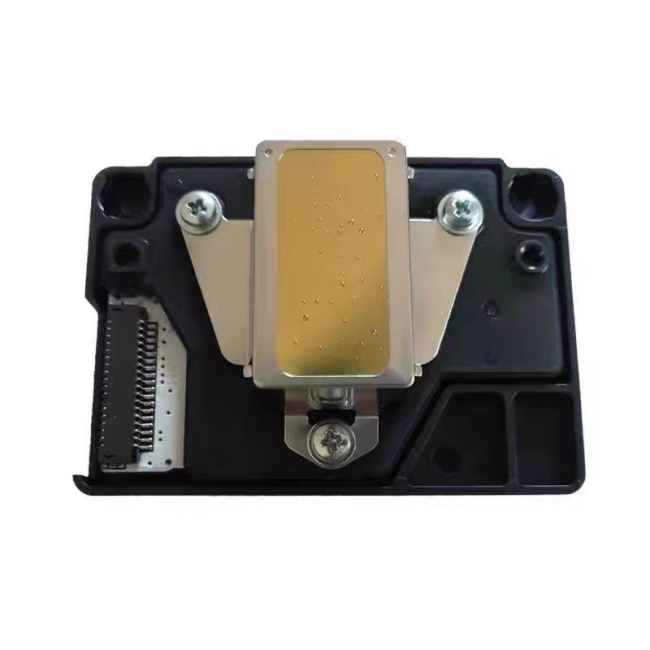
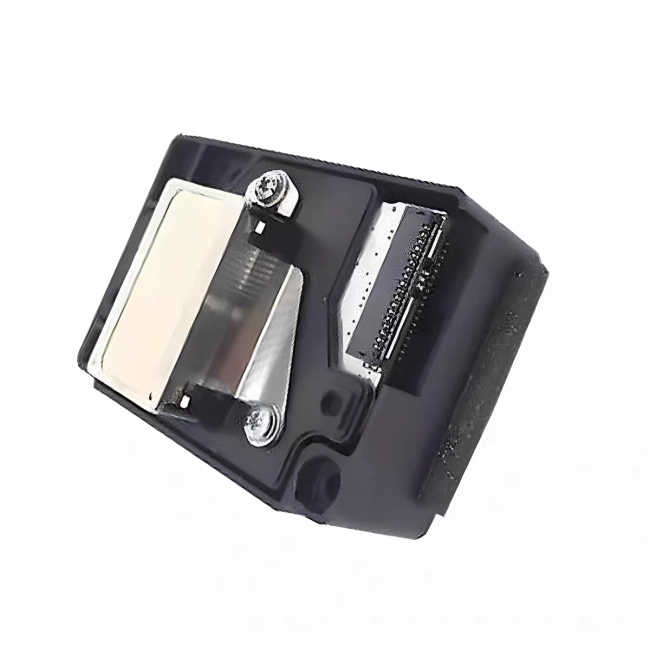
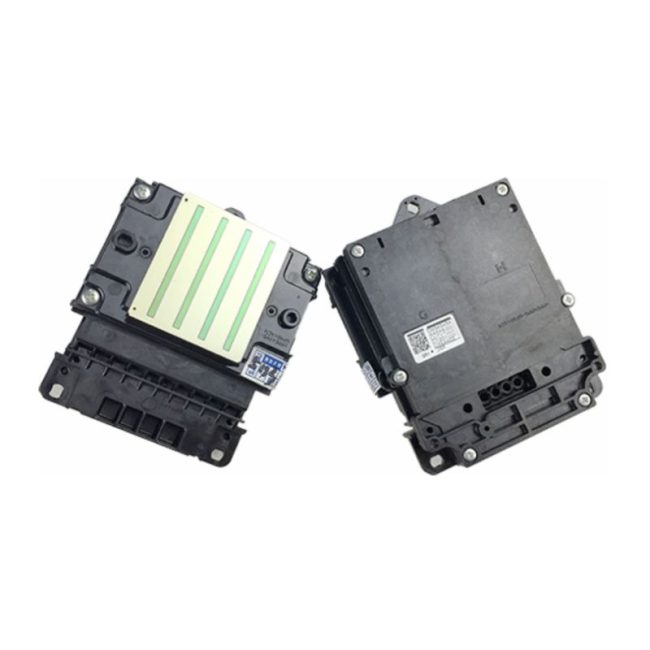
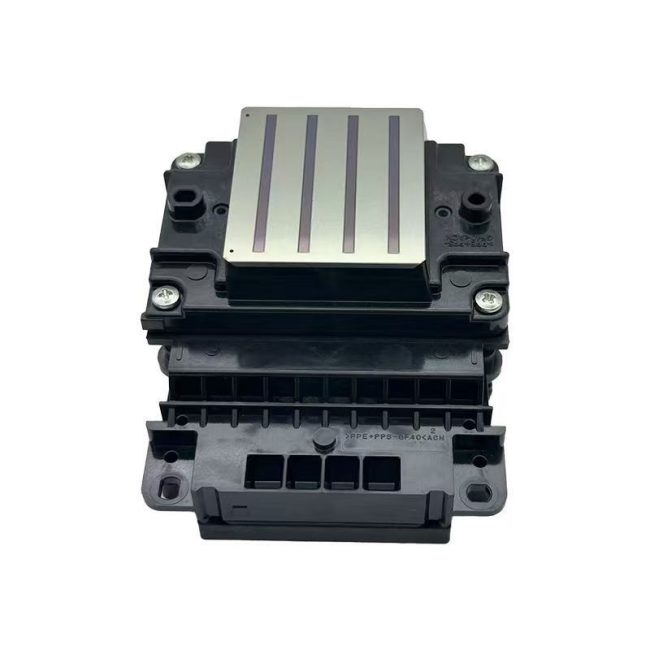
100% compatible and original inkjet printer heads for Epson TX800, TX700, TX720, TX820 and other models, ensuring precise ink injection, vivid colors and zero waste, with a 100% utilization rate. Passed multiple quality certifications: ISO9001, 14001 and SGS, etc., ensuring quality. Stable print output, clear picture quality, reduced broken lines and blurry images, safeguarding your printing career!
Product Specifications – Epson TX800 Printer Head
| Model | Epson TX800 |
| Ink Types | Eco-Solvent |
| UV | |
| Water-Based | |
| Sublimation | |
| Size(width x depth x height)(mm) | 84.9 x 57.2 x 42.6 |
| Weight(g) | 60 |
| Nozzle Numbers | 1080 |
| Length Between Nozzles (inch) | 180 |
| Nozzle Row | 6 |
| Max color/head | 6 |
| Resolution | 180 npi /row |
| 360 npi/2 rows | |
| Effective Printing Width(mm) | 25.4 |
| Jet Freqency(kHz) | 46(single dot); |
| 11.52(multi dot) | |
| Ink Drops(pl) | 4.5-9-20-40 |
| Ink Viscosity (mPa.s) | 3~5 |
How to solve the problem of declining print quality of the Epson TX800 print head?
Decline in print quality: This is the most common print head issue, which can usually be resolved through software or the “Print Head Cleaning” function on the panel.
Nozzle clogging: If cleaning is ineffective, the nozzle may be clogged with ink. Sometimes manual cleaning is required, such as soaking the ink cartridge in warm water (please note that this may be risky and be sure to refer to the cleaning guide for the specific model of the printer), or replacing the print head.
Printhead Repair: If the Epson TX800 nozzle is not seriously damaged, you can contact LovidPrint for repair. The price is reasonable and it’s more cost-effective than buying a new one.
Replace the print head: If the print head is severely damaged, it needs to be replaced. Sometimes, a specific print head adapter is needed to connect the print head to the ink supply system.
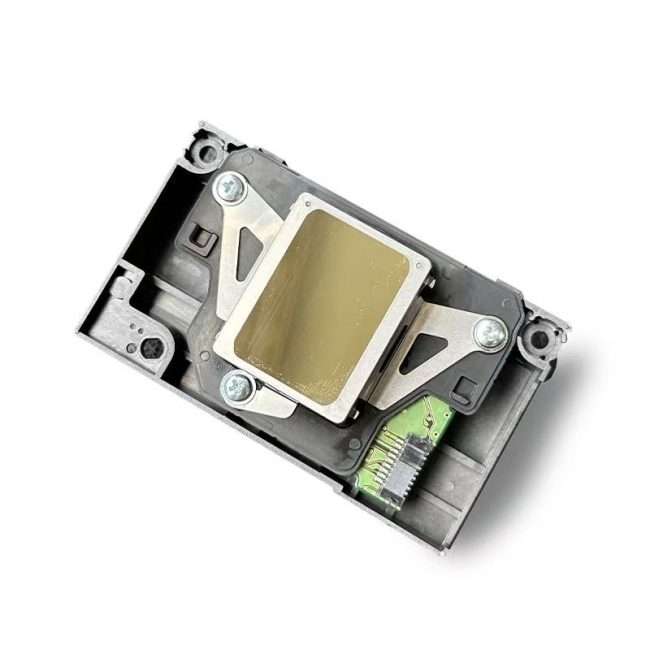
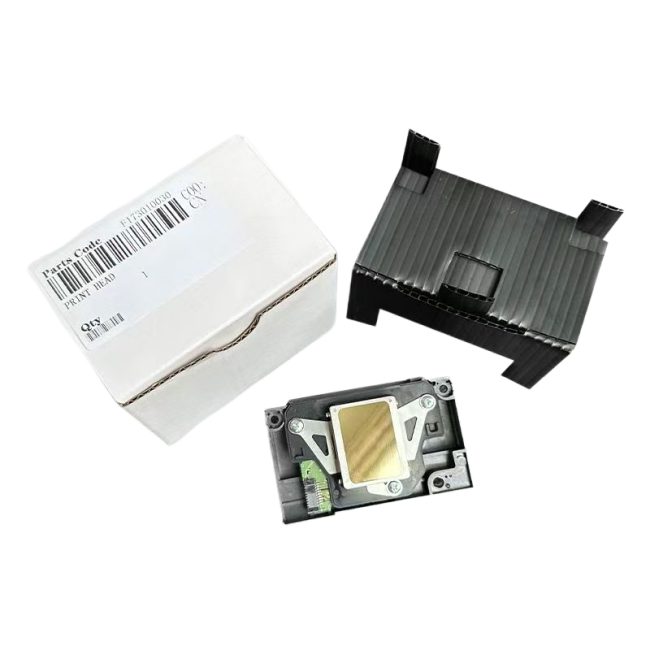
 No products in the cart.
Reviews
There are no reviews yet.