
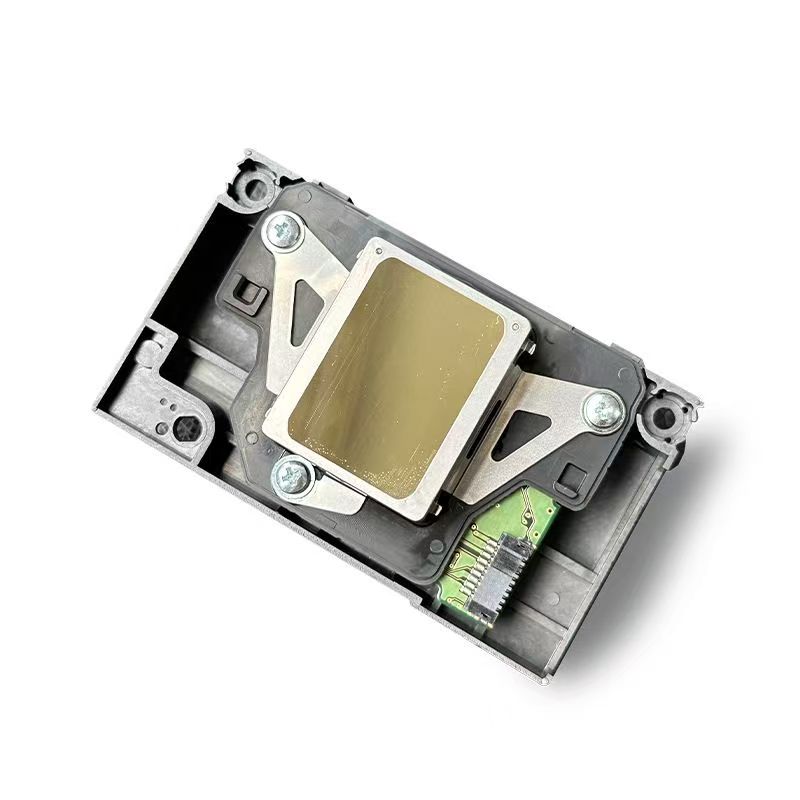
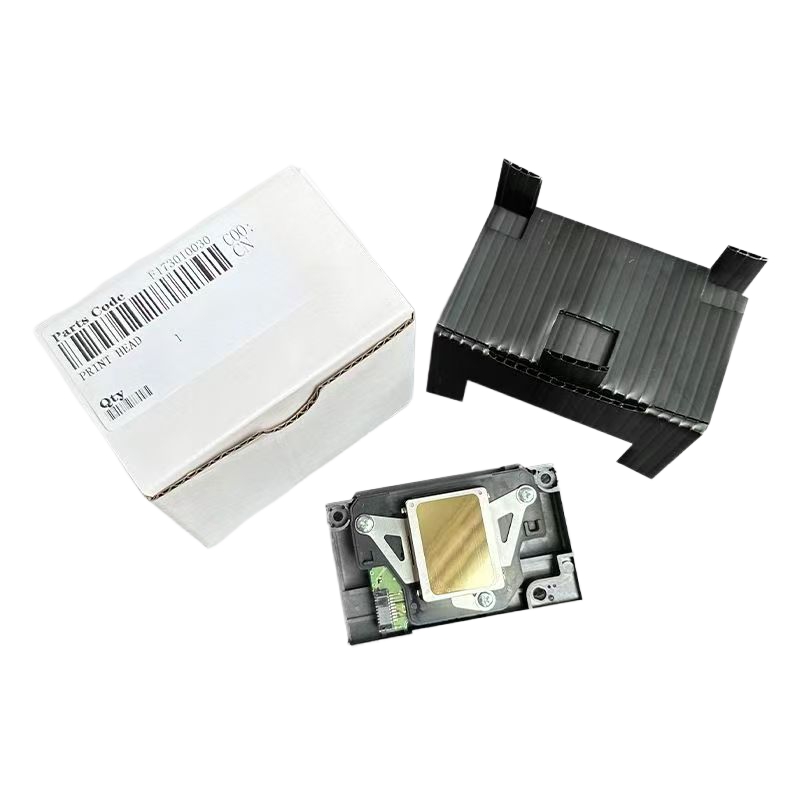
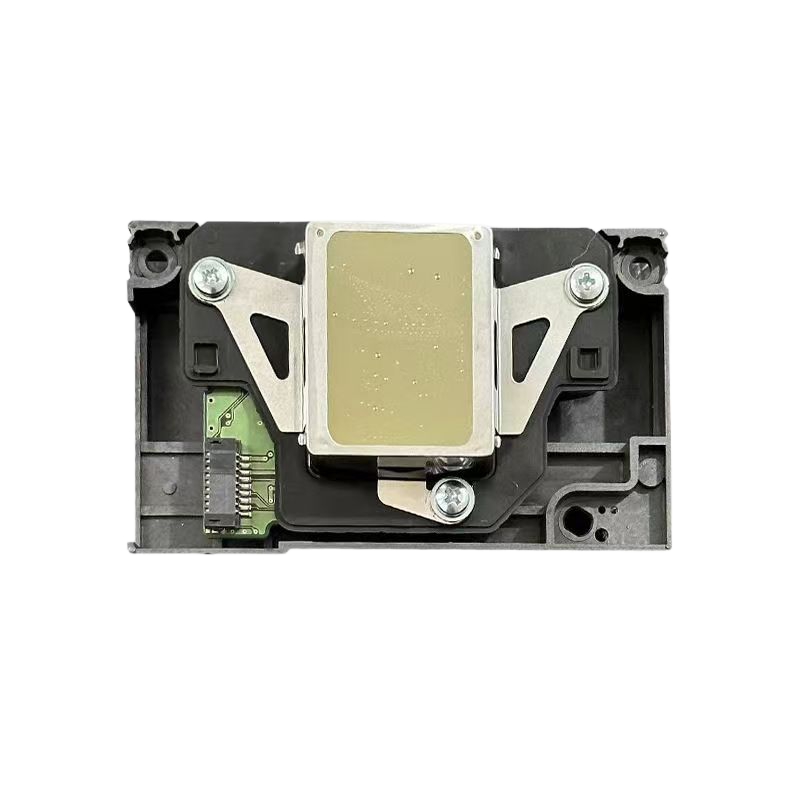
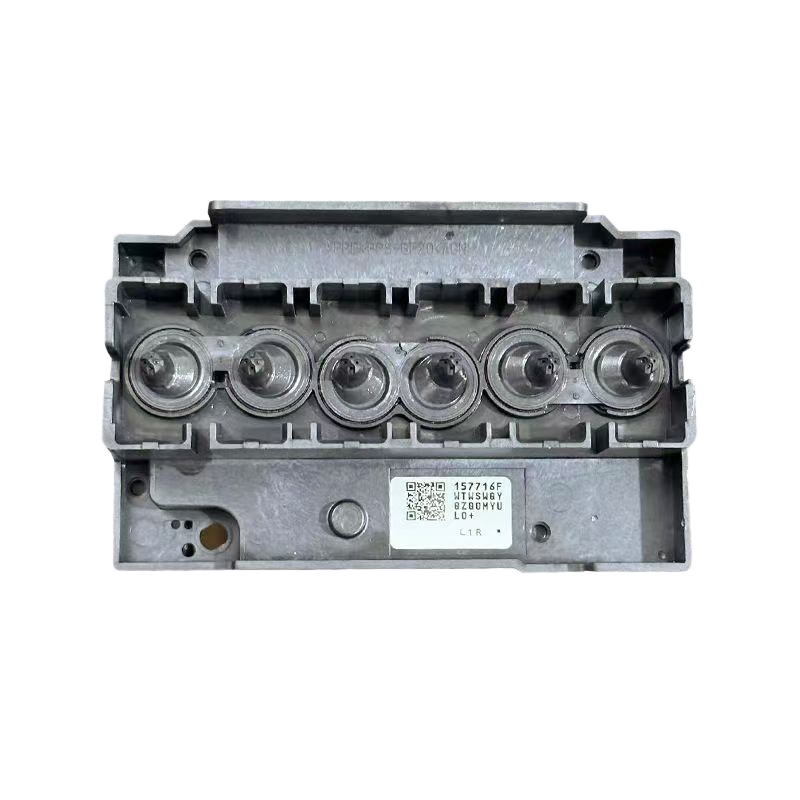
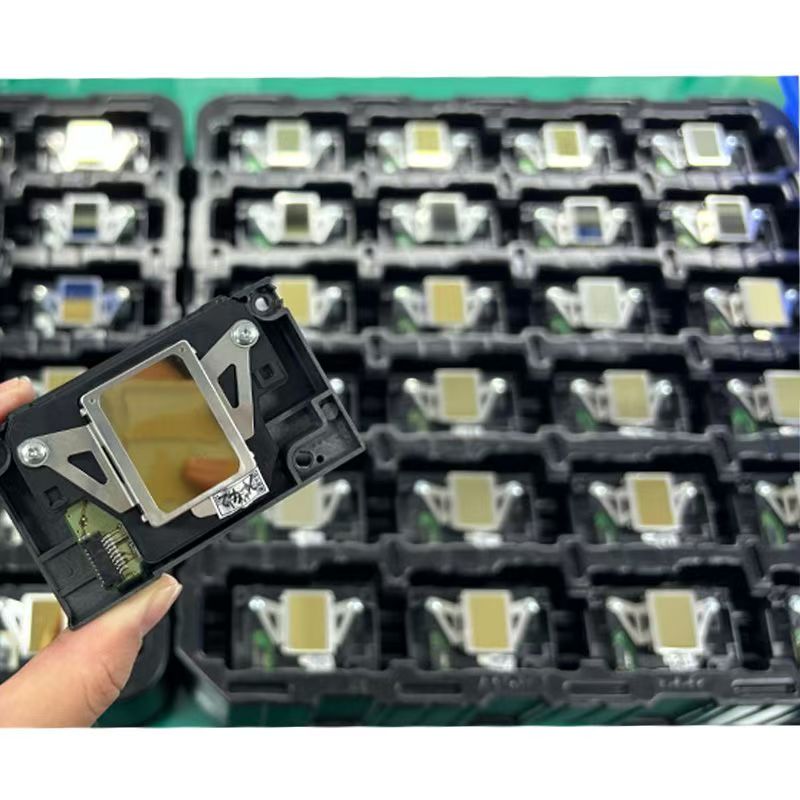
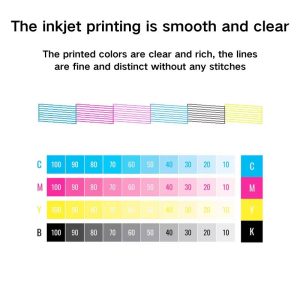
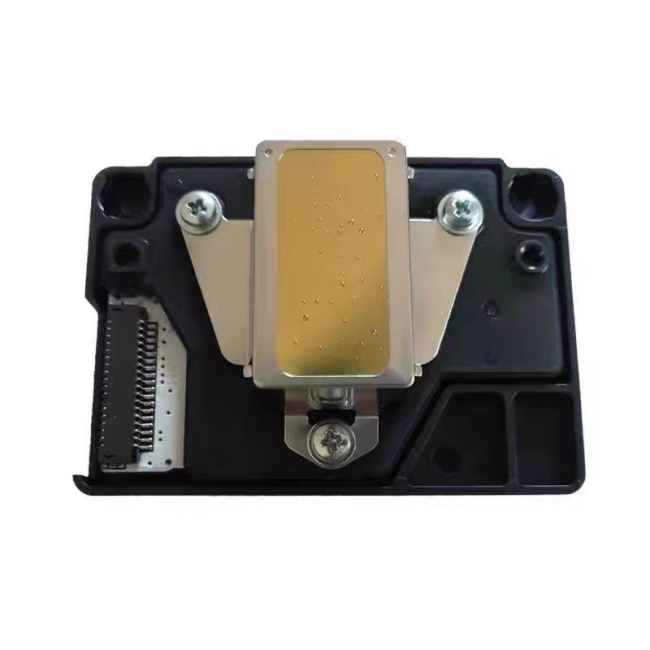
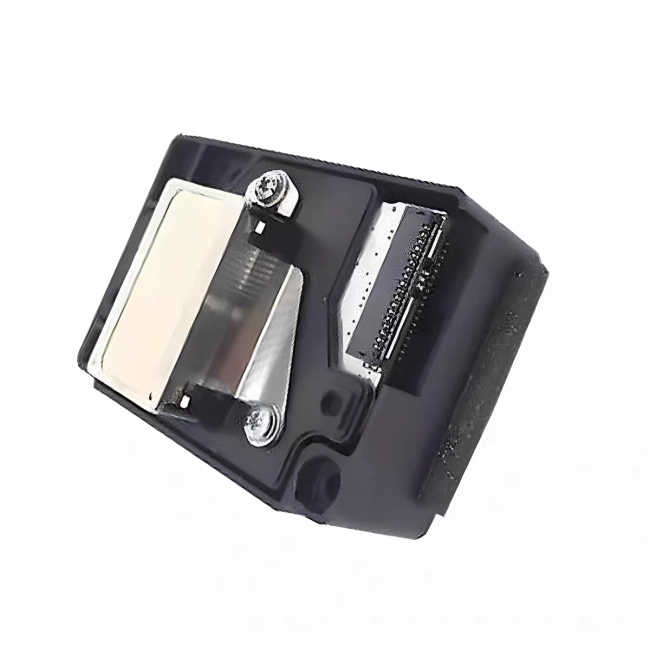
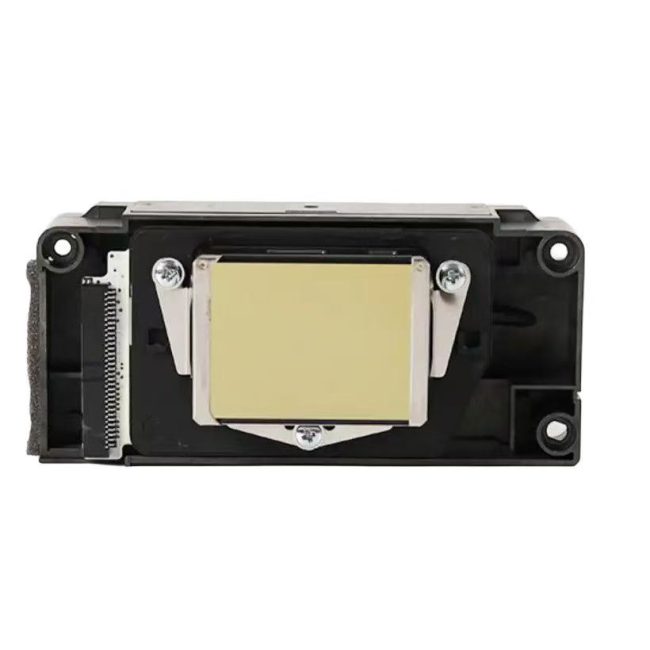
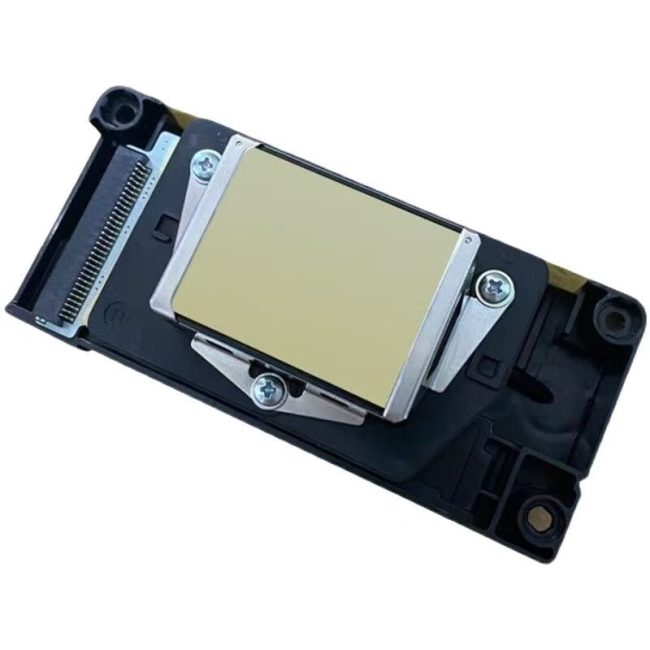
Epson 1390 Print Head test strip has passed the test
Epson 1390 Print Head Precautions
1. After receiving the goods, do not use a syringe to fill water to test the nozzle, as this can easily damage the nozzle. This will cause the ink sac to rupture, resulting in color bleeding during printing. Moreover, the high injection pressure will cause air blockage in the nozzle, leading to no ink output. And once water enters the nozzle and it is not completely dried, the machine should be powered on. At the very least, it will burn out the mainboard; at the worst, it will burn out the nozzle.
2. The nozzle head is extremely fragile and must not be knocked or bumped. It is essential to protect it well. The inner layer of the surface aluminum sheet is coated with a crystal oscillator and a very fine ink tube. It will dent, deform or even break at the slightest touch.
3. When installing the nozzle, be sure to cut off the power first and install it in place. After installation, gently push the trolley left and right to check if it moves smoothly. Do not power it on immediately after disconnection. If the head is not in place, it is easy to break the head when the trolley moves.
4. When plugging in the plug, do not bring ink on it. Make sure it does not touch your feet when in contact with the socket; otherwise, it may cause a short circuit and burn out the nozzle.
5. Keep the steel shaft clean and smooth. You can use a paper towel dipped in a little lubricating oil to wipe it. Do not directly apply oil to the shaft, otherwise the excess oil will flow onto the nozzle and cause damage.
6. After confirming that there are no errors, check the ink path to see the amount of ink in the ink cartridge. Secondly, check whether the small cleaning scraper and the ink suction pump are dirty.
 No products in the cart.
Reviews
There are no reviews yet.